RNDM Cuts / File prep guide
How to prep files for laser, CNC and 3D printing
Most delays on a cut job come from the file, so here is what we check before anything goes on the machine. None of it is required. If your file is rough, or you only have a sketch, send it anyway and we fix it with you.
Request a quote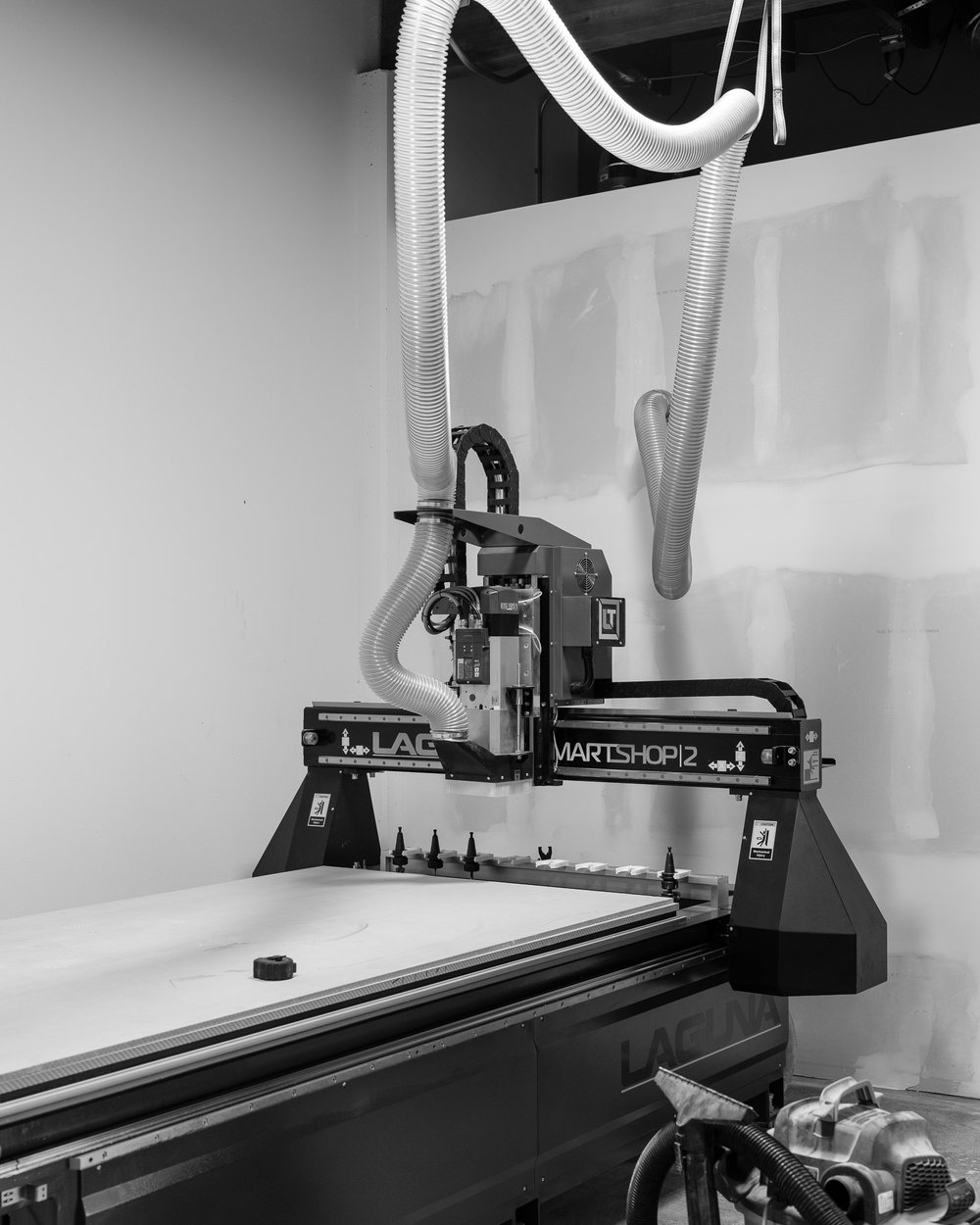
Laser cutting and engraving
Send a vector file: SVG, AI, PDF or DXF, drawn at the real size you want. Draw cut lines as thin strokes and anything to be engraved as filled shapes, and convert text to outlines so the font travels with it. The bed is 36 by 51 inches. The beam burns away a sliver of material, about 0.2 mm, which we compensate for, so press-fit tabs come out right. Keep thin bridges in lettering at least as wide as the material is thick, or they snap.
CNC routing
A DXF or DWG at 1:1 scale with every outline closed works best; SVG, AI, PDF and STEP are fine too. A sheet is 48 by 96 inches. The router uses a round bit, so inside corners come out with a small radius, about 1/16 in with a 1/8 in bit. For slots that need to take a square edge, add dog-bone corners, or tell us and we add them. Plywood is thinner than its label (3/4 in sheet is usually closer to 23/32 in), so size slots to the real sheet, which we measure before cutting.
3D printing
Send STL, 3MF, STEP or OBJ in millimeters, and check that the model is a closed solid. Walls under about 1 mm print weak or not at all. Holes print slightly small, and parts that slide together need roughly 0.2 to 0.3 mm of gap on each side. One piece can be up to about 13 inches on a side; anything bigger is split into sections, ideally along a line you will not see.
If you have no file
Take a photo of the thing, or a sketch, with a tape measure in the frame, and write down the two or three dimensions that matter most. For a sign, a photo of the wall it will hang on helps. Our design time is quoted as a flat fee and credited to the order.
Local pickup or delivery
Made at 2972 Century Pl, Unit B-1, Costa Mesa. Pick up at the shop or have it delivered to Costa Mesa, Newport Beach, Irvine, Huntington Beach, Santa Ana, Fountain Valley, Tustin and the rest of Orange County. We don't ship.
Questions
What file format is best for laser cutting?
A vector file at real size: SVG, AI, PDF or DXF, with text converted to outlines.
What file do you need for CNC cutting?
A DXF or DWG at 1:1 scale with closed outlines is best. SVG, AI, PDF and STEP also work.
Can you work from a photo or a sketch?
Yes. Include a tape measure in the photo or write the key dimensions, and we draw the file.
Also at RNDM Cuts: CNC cutting · Laser cutting and engraving · 3D printing · Custom signs